
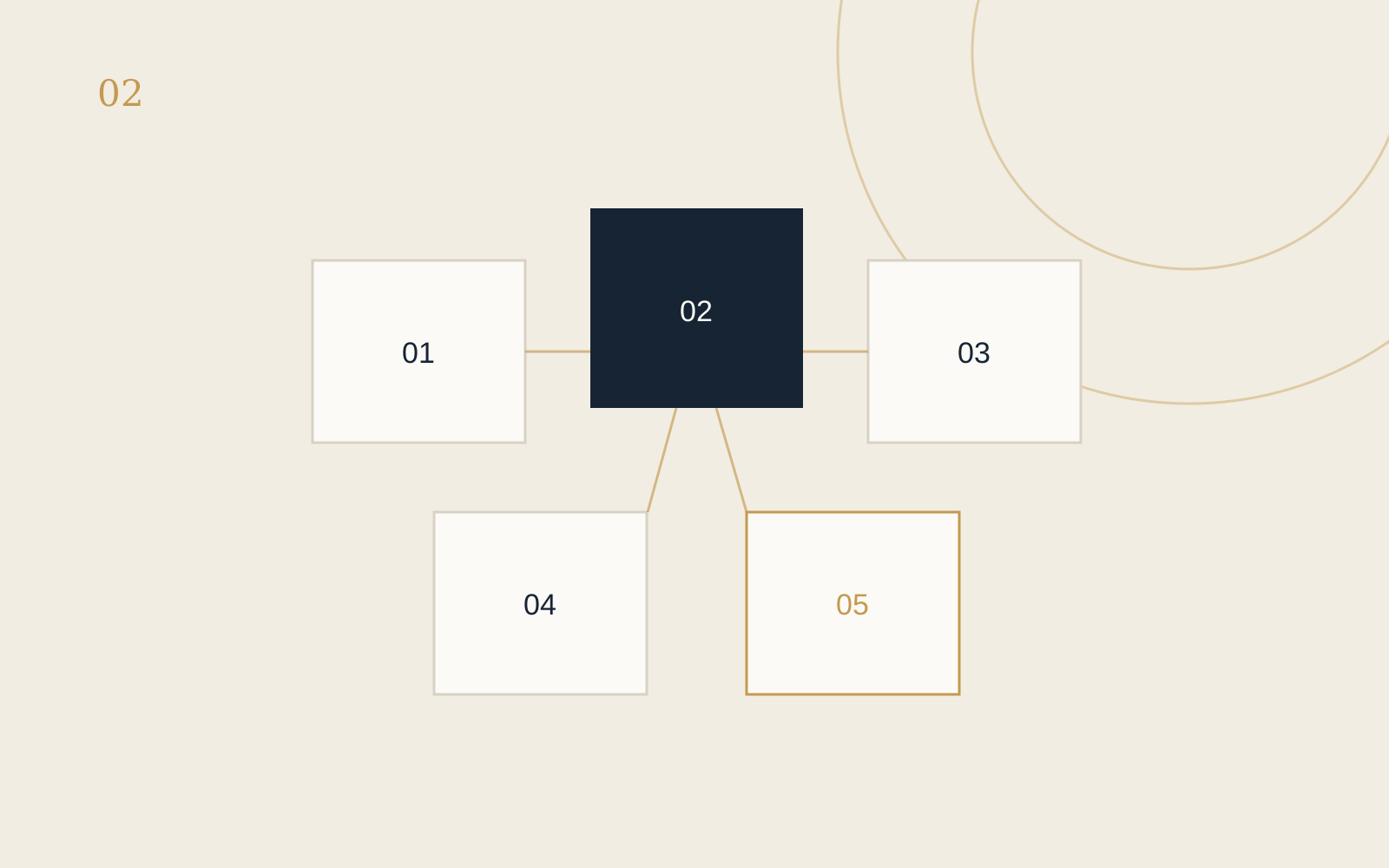
AI is most useful in a small business when it reduces friction in a real task. It does not need to replace a person, make important decisions or create a complicated automation. Often, the practical value is simply helping you get from a blank page to a workable first draft.
Here are five tasks where AI can genuinely help—provided you review the result and avoid sharing confidential or personal information with a tool that has not been approved for it.
1. Drafting and improving everyday emails
AI can help turn rough notes into a clear email, shorten a message that has become too long, or adjust the tone without changing the meaning.
A useful instruction might be: “Turn these points into a warm, professional email. Keep it under 180 words, use Australian English and finish with one clear next step.”
Always check names, dates, prices, promises and tone before sending. The business owner remains responsible for the message.
2. Summarising notes and approved documents
AI can turn your own non-sensitive meeting notes, research or internal instructions into a short summary, action list or set of questions. This is helpful when the source material is long but the decision you need to make is simple.
Ask the tool to separate confirmed facts from assumptions and to identify anything that still needs verification. Do not assume a confident-looking summary is automatically accurate.
3. Reworking one approved idea into several formats
Once you have approved the core message, AI can help adapt it into a website paragraph, email introduction, LinkedIn post, short caption or FAQ answer. This reduces repetition while keeping the original idea consistent.
Give the tool a small sample of your preferred writing style and specify the audience, purpose and length. Then edit the output so it still sounds like your business rather than generic marketing copy.
4. Structuring articles, FAQs and presentations
AI can help organise a collection of ideas into a logical outline. It can suggest headings, group similar questions and show where information may be missing.
This is especially useful before writing a practical guide or service page. You still decide which points are true, relevant and helpful. AI provides a structure; it should not invent your experience, evidence or customer promises.
5. Creating repeatable checklists and workflows
If you repeatedly complete the same task, AI can help convert your existing process into a checklist or simple standard operating procedure. Examples include preparing a new website page, publishing a blog post, onboarding a client or checking a monthly report.
Start with what you actually do now. Ask AI to arrange the steps, identify decision points and flag missing information. Test the workflow yourself before relying on it, and update it when your systems change.
Where AI should not make the final decision
AI can produce incorrect, incomplete or biased answers. Important legal, financial, employment, health, privacy and customer decisions require appropriate human review and, where necessary, qualified professional advice. AI should support your judgement—not quietly replace it.
The Australian Government’s business guidance recommends clear accountability, risk assessment, testing, monitoring and human oversight when a business uses AI. It is a useful reminder that the tool may assist with a task, but your business remains responsible for the outcome.
A practical place to begin
Choose one frequent, low-risk task that currently takes too long. Define what a good result looks like, remove sensitive information, test one simple prompt and review every output. If the process genuinely becomes easier, document it. If it creates more checking than it saves, it is probably the wrong use case.
Further reading: Artificial intelligence guidance for business from business.gov.au.